
Appearance
Conditions
Conditions may be placed on tasks and triggers to change their behavior. To edit the conditions on a task or trigger right-click on a task or trigger from the workflow designer and select "Edit Conditions"
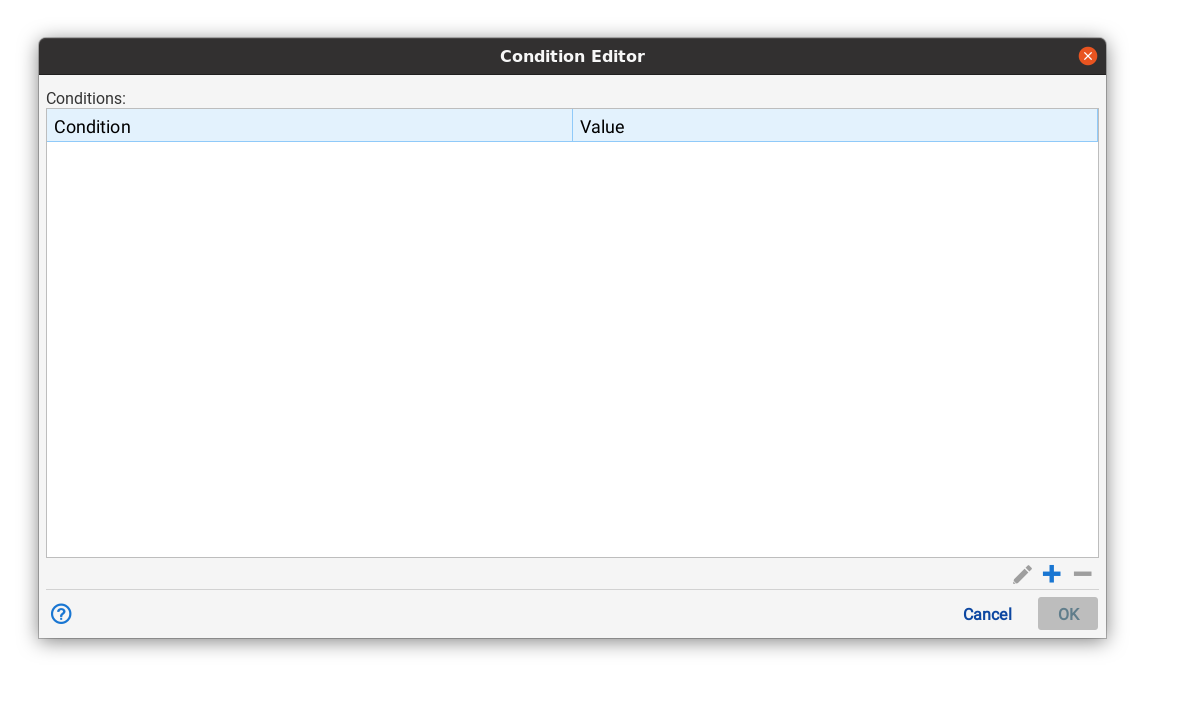
To add a condition use the "+" button. To edit a condition use the pencil icon. To remove a condition, use the "-" button.
Currently there is only one kind of condition, the unless condition. However, more will be added in the future.