
Appearance
Installing the Situate UI on Windows
This document describes how to install the Situate UI on Windows.
Step 1. Download the Installer
Go to XonaSoftware's Download page, expand the section for the version you want to install, expand Windows X64, and click "Viewer" to download the installer.
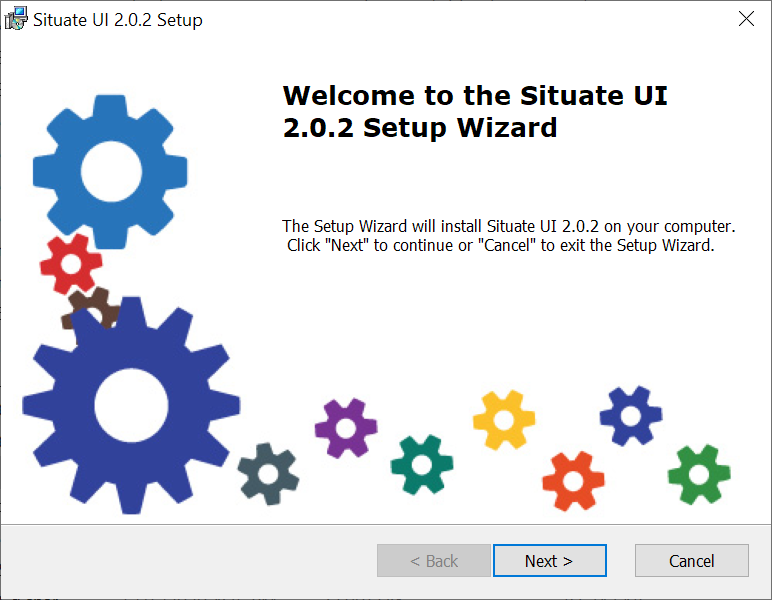
Step 2. Run the Installer
The typical windows installer wizard will guide you through the install process.
Step 3. Run Sitpm
Once installed you can find the UI by pressing the windows button, searching for the Situate folder and clicking on the UI icon. No desktop icon is created by default.
UI Versions
Situate allows you to install multiple major version of the UI. For example, you can install 2.0.2 and 2.0.1 at the same time. It does not allow you to install multiple patch levels of the same version.