
Appearance
Logging in to Situate
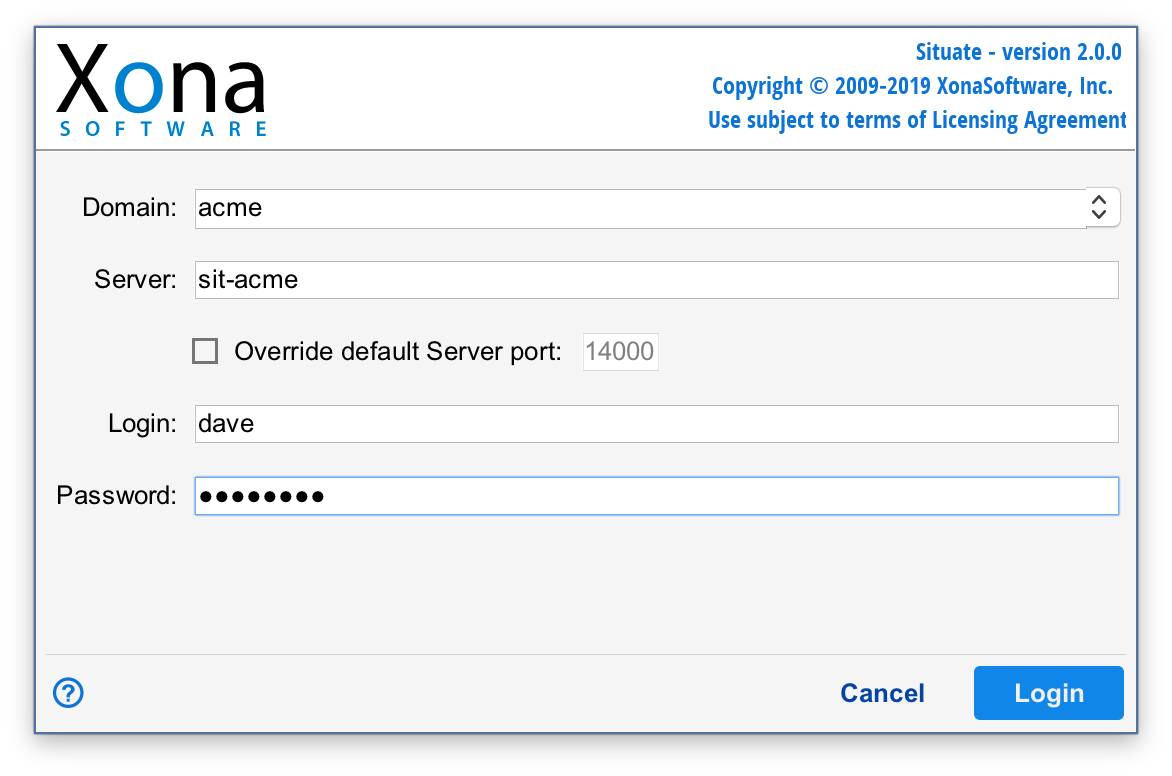
When starting the Situate viewer application, the following information is required to connect to any Situate server:
| Domain | Each installation of Situate is identified by a Situate domain, as configured by the system administrator during installation. The name of the domain must be entered when you log in. |
|---|---|
| Server | Each Situate domain contains one Situate server. The name of the server is typically in the form "sit-yourdomain," or as configured by the system administrator. |
| Port | Programs that use the Internet Protocol to communicate must connect to their server on an advertised port. By default, Situate uses port 14000, or the port configured by the system administrator. |
| Login andPassword | Situate integrates with its environment's existing authentication service. This allows Situate to accept a user's existing corporate login and password. |
Note
Note: If you are unsure of your specific settings, see your Situate administrator.