
Appearance
User and Service Accounts
User and service accounts active in Situate are managed under "User and Service Accounts" in the Object Browser.
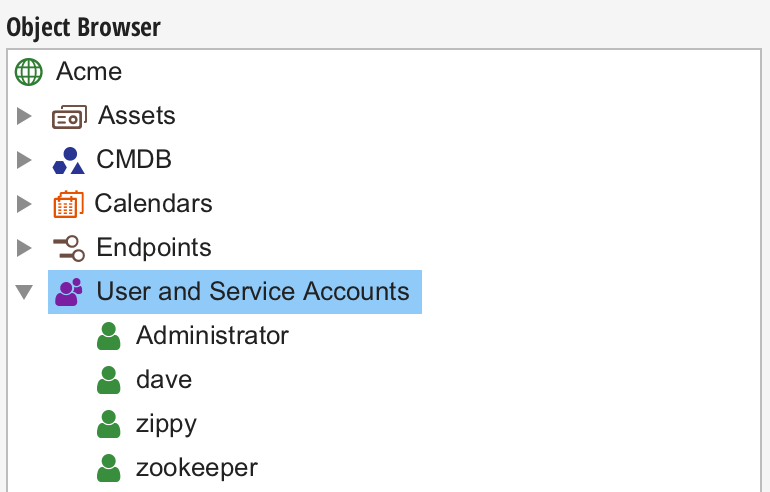
User Accounts
A majority of accounts are associated with specific users (people). Whenever a new user logs into Situate for the first time, an associated account is created automatically. Situate will also ask the user if they want to save their login credentials. If the user allows this, an identity is created and stored for that user so that Situate can act on their behalf.
Service Accounts
Service accounts (generic accounts with no actual user) must be created manually because no real user will ever login to create the account.
Modifying Accounts
Users can manage service accounts as needed from the context menu in the Object Browser. Only users in the Administrators group can create new service accounts, but all users who are granted "Read" and "Write" permissions by the ACL of an existing service account may edit or delete it.
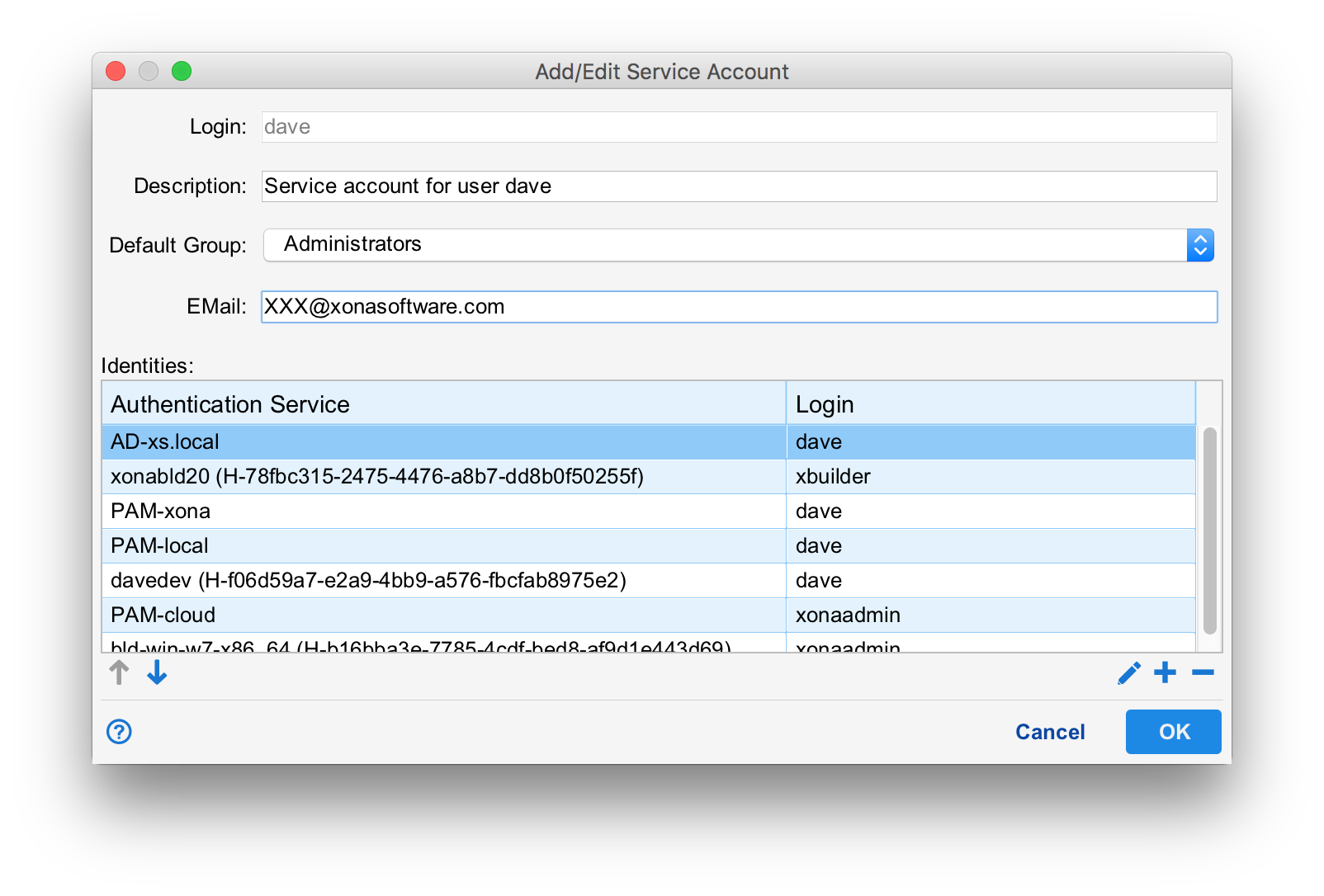
Each account has an associated name, description, default group, email and list of identities. The name and description serve to identify the service account. A user's default group is initially set by the group policy when the user is created and can be set to any group to which the user belongs. See Access Control Policies.
Some workflow tasks use the EMail field to find the user's email address. Actual users should set their EMail address. Service accounts may use a group or alias account as needed.
Identities are credentials used to login or access systems outside of situate. This may include logins and passwords, certificates, API keys or other things. For more on identities and saving credentials for other systems, see Identities.
Using Service Accounts in Workflows
Situate workflows can be designed to run as a specific user. Best practices dictate that workflows run as a service account with the most minimal security needed to perform the tasks that make up the workflow.
Account ACLs
The set of users that can edit or use the accounts are controlled by ACLs like all other objects inside situate. The ACL can be modified by selecting the specific user, right-click, and select "Security". For more information on ACLs see ACLs and Security.
Workflow Approval
Workflows must be approved before they can be executed. As part of the approval process the set of all accounts a workflow touches are checked. The account's ACL must grant read and execute access to at least one person approving the workflow. For more information on approving workflows. See Approving Workflows.