
Appearance
Schedule It
The Schedule It task creates, submits and approves a workflow designed to run once at a later date that executes a particular workflow.
Let's suppose you are a software company (like Xona).
When people sign up for a trial on your website, you want to run a process that schedules a follow-up email 30 and 90 days later.
The Schedule It task works perfectly for this application. One can create the "follow up" workflows to be run. Then the schedule it task can create workflows to run 30 days and 90 days later that call the "follow up" workflow.
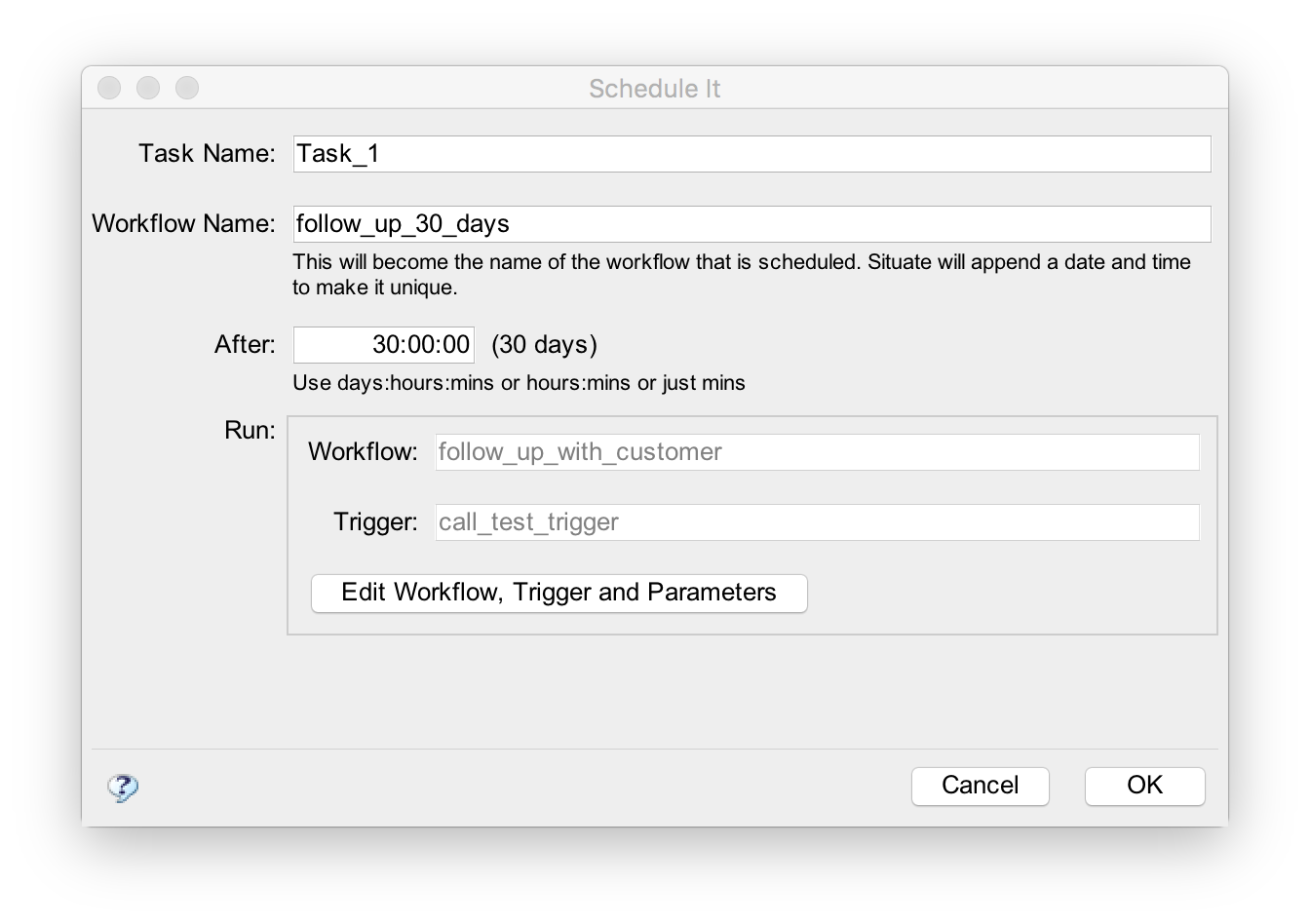
In this example, a workflow named follow_up_30_days will be created. Situate will automatically append "_" and potentially a number to make the workflow unique.
After
After is the time in minutes that the workflow should be run.
Run
To edit the workflow to run, press the "Edit Workflow, Trigger, and Parameters" button and select a workflow and trigger. The workflow selected must have a workflow trigger.
Parameters declared in the called workflow trigger can also be input. These must be simple types like numbers and strings. Objects cannot be accepted. Variables are expanded at the time the workflow is created.