
Appearance
Introduction
This quick start guide is for people who are new to Situate. By the end of it, you will have:
- Installed and started a demo server.
- Logged in and created your first workflow.
- Executed your workflow, checked its status and read its log files.
A Situate Domain
A domain is a distinct instance of Situate. Companies may have more than one domain. This is often the case when different business units want their own, or when a company wants separate development and production instances.
The domain is located at the top level of the object browser. In this example, the domain is named "acme".
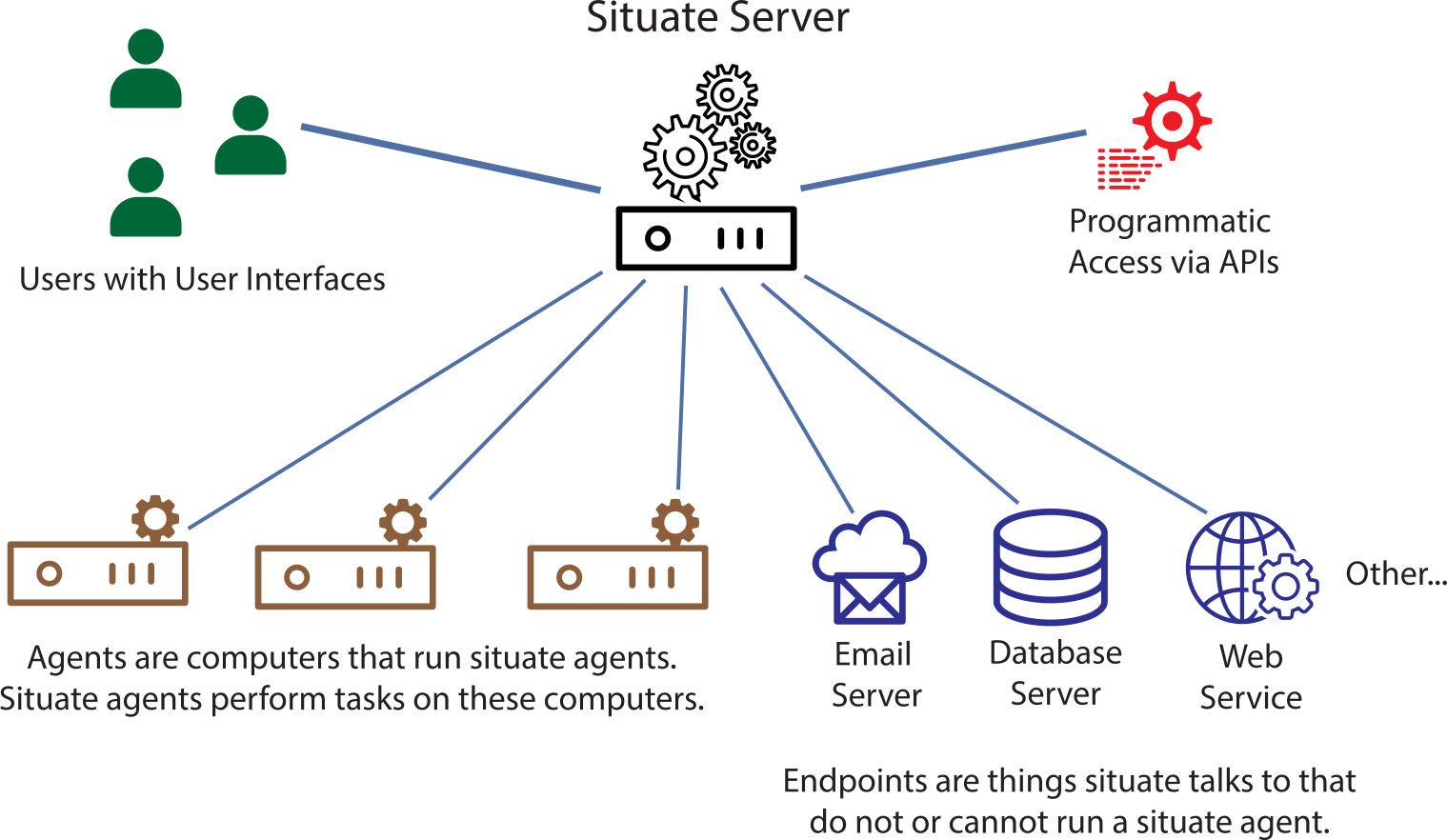
An instance of Situate consists of:
- A server hosted on premises or in the cloud.
- A number of computers running the Situate agent.
- Zero or more endpoints (things Situate talks to that do not run agents).
- A number of users using the Situate UI.
- Possibly a number of programs or other entities that access Situate via APIs or command-line tools.