
Appearance
Viewing Your Login Principal
The previous sections described the login process and how that process results in you receiving a principal. To view your login principal, select "View" then "Login Principal" from the menu.
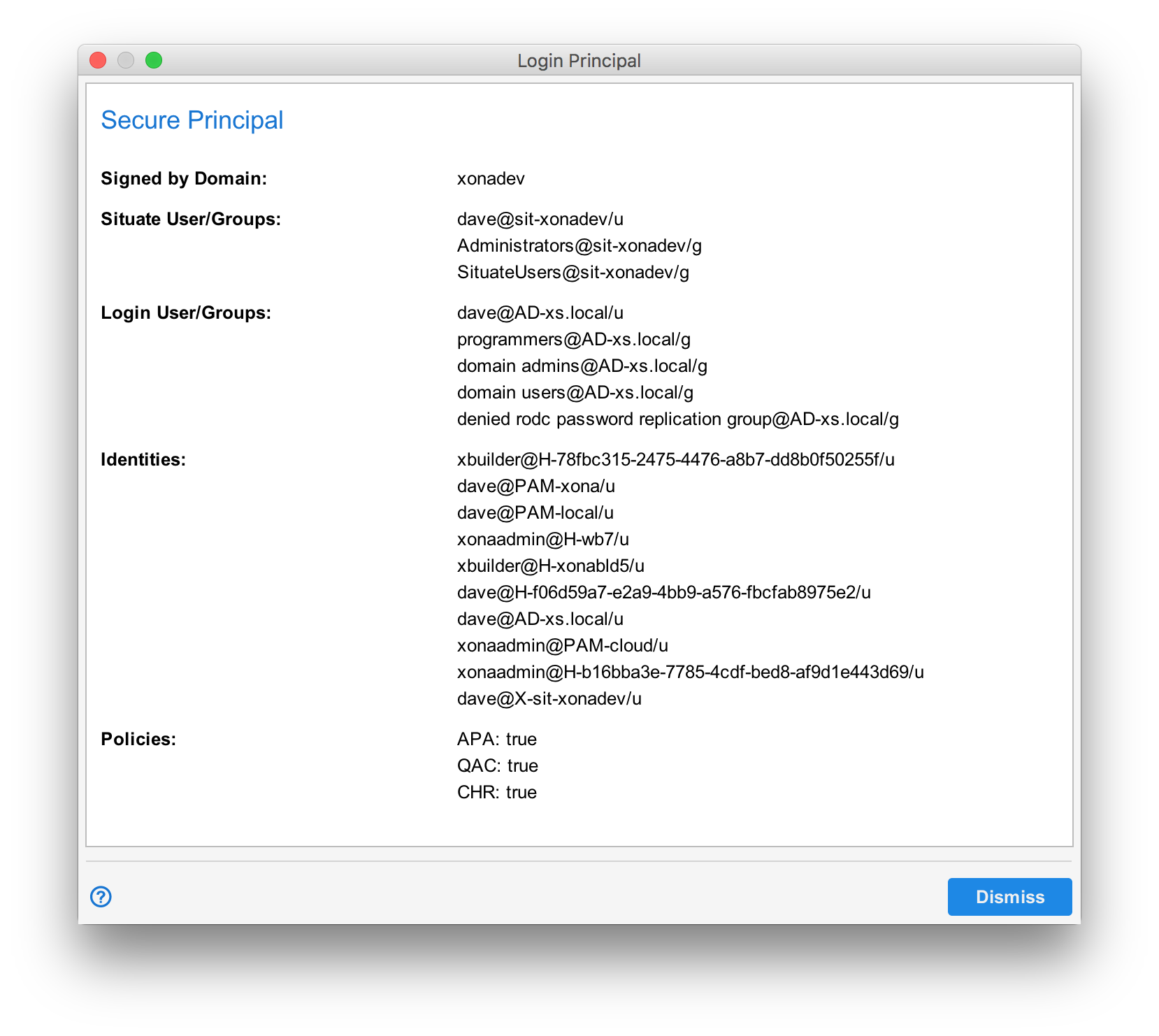
The Login Principal dialog shows you the following...
- The name of the domain that signed it (the domain you logged into).
- The Situate login (shadow login) and related Situate groups. (Note: it's here where you can check to see if you are a member of certain Situate groups.)
- The Login user and groups. This the account you used to login to situate.
- Any additional principal identities associated with this account.