
Appearance
Workflows Calling Workflows
Breaking large projects up into multiple small workflows can reduce the complexity of a project significantly, and allow multiple projects to easily reuse the same common workflows. This section describes how one workflow can call another.
Example: Starting Servers
Making the Workflow
In this example, a Situate user has multiple workflows that need to initialize "MoneyServer" assets. "MoneyServers" must be created by a four task workflow in which files need to be copied, directories must be built and logs must be loaded from an external database before the server can be started.

Keeping a consistent version of this process in each workflow that may need the ability to start a "MoneyServer" would be time consuming, so the user creates a workflow to start "MoneyServers" and begins it with a workflow trigger.
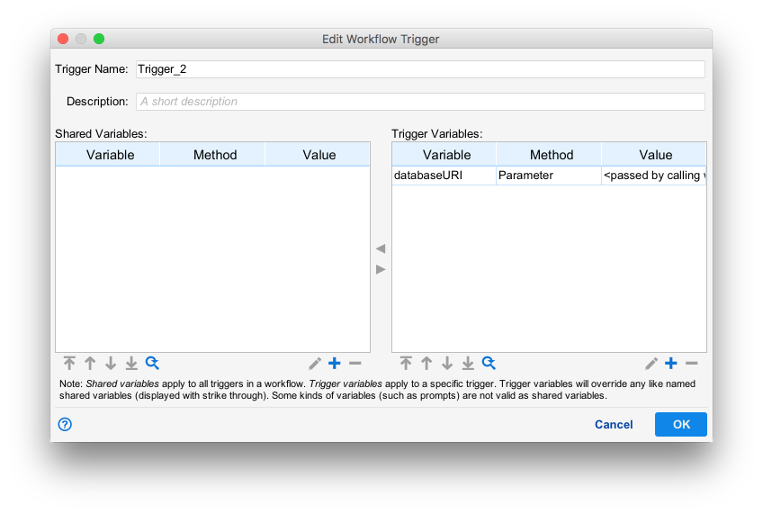
In order to successfully start a "MoneyServer", the user also needs to pass in a specific database URI for the new "MoneyServer" to load logs from, so a variable is added to the workflow trigger's config.
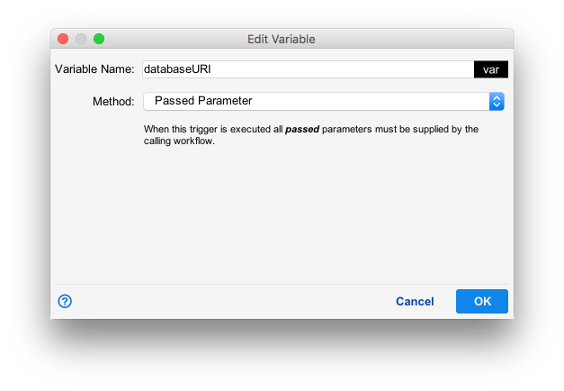
The variable method is set to passed parameter, meaning the calling workflow is expected to provide this value.
Calling the Workflow
To start a "MoneyServer" from another workflow, the Workflow Exec task is used to fire the workflow trigger in the "MoneyServer" workflow.
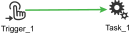
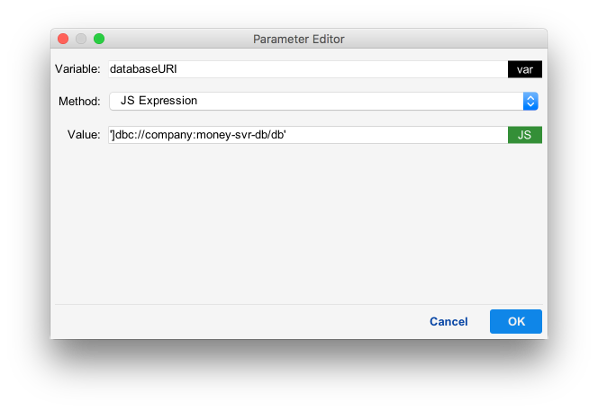
In this simple manual start workflow, the database URI is hardcoded in the workflow exec task configuration.
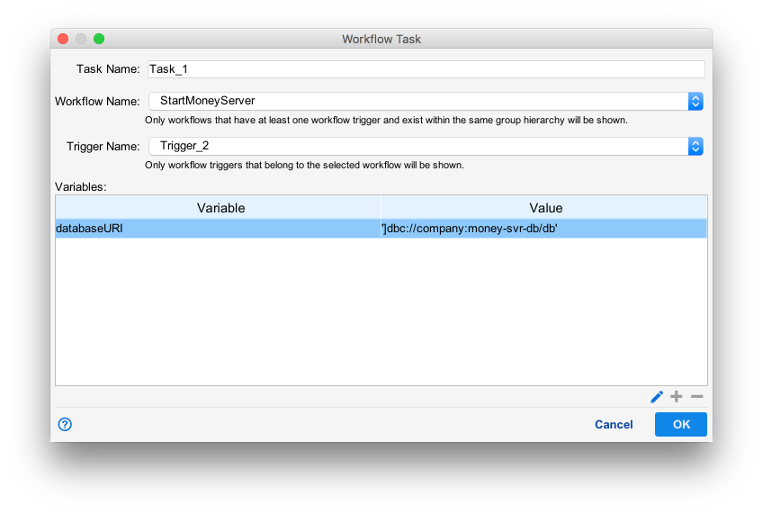
Variables in workflows being called by workflow exec tasks require the workflow exec task to provide values for all variables set to passed parameter.
Passing Objects
When JS Expression is selected as the method when a variable is passed, it is possible to pass a Javascript object. When this occurs, a reference to the object is passed, and both the caller and recipient have references to the same object. Because both workflows now share the object, it is possible for either to modify its value.