
Appearance
Annotation Catalog
Annotations are non-functional workflow elements that serve to document a workflow. Annotations should be used liberally where possible.
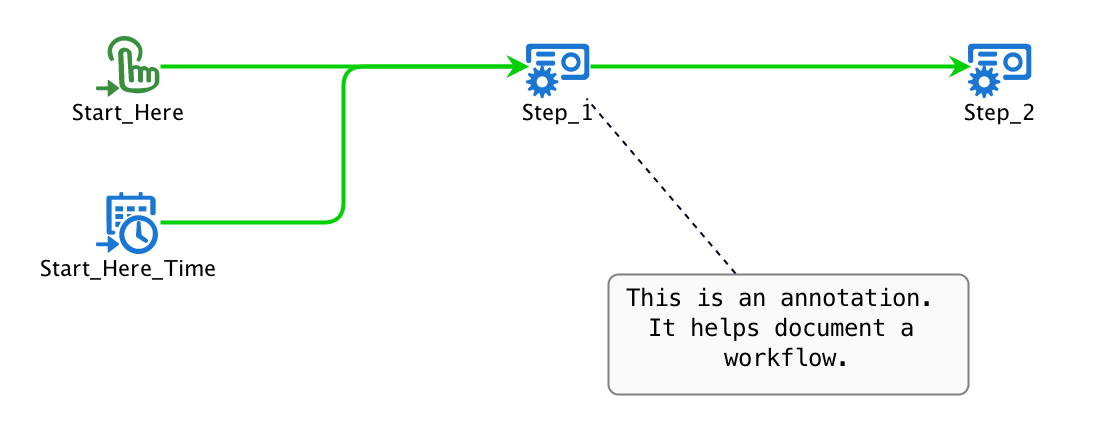
The image below shows a rectangle shape annotation ("This is an annotation...") connected to "Task_1" with an annotation edge.
Annotation Shapes
There are two kinds of annotation shapes: rectangles and a cloud. Both are created by dragging them from "Annotations" tab of the palette into the workflow designer.
Both may contain text and both are edited by double clicking on them or by using the right-mouse and selecting "Configure". See Annotation Shapes for more details.
Annotation Edge
It is possible to draw a line from an annotation shape to another workflow object such as a task or trigger. These edges become straight, dashed lines. The dashed line indicates that the line does not participate in the flow of the token in the workflow.