
Appearance
Workflow
The Workflow task starts another workflow and waits for it to complete. The success or failure of the workflow task is the success or failure of the workflow it runs.
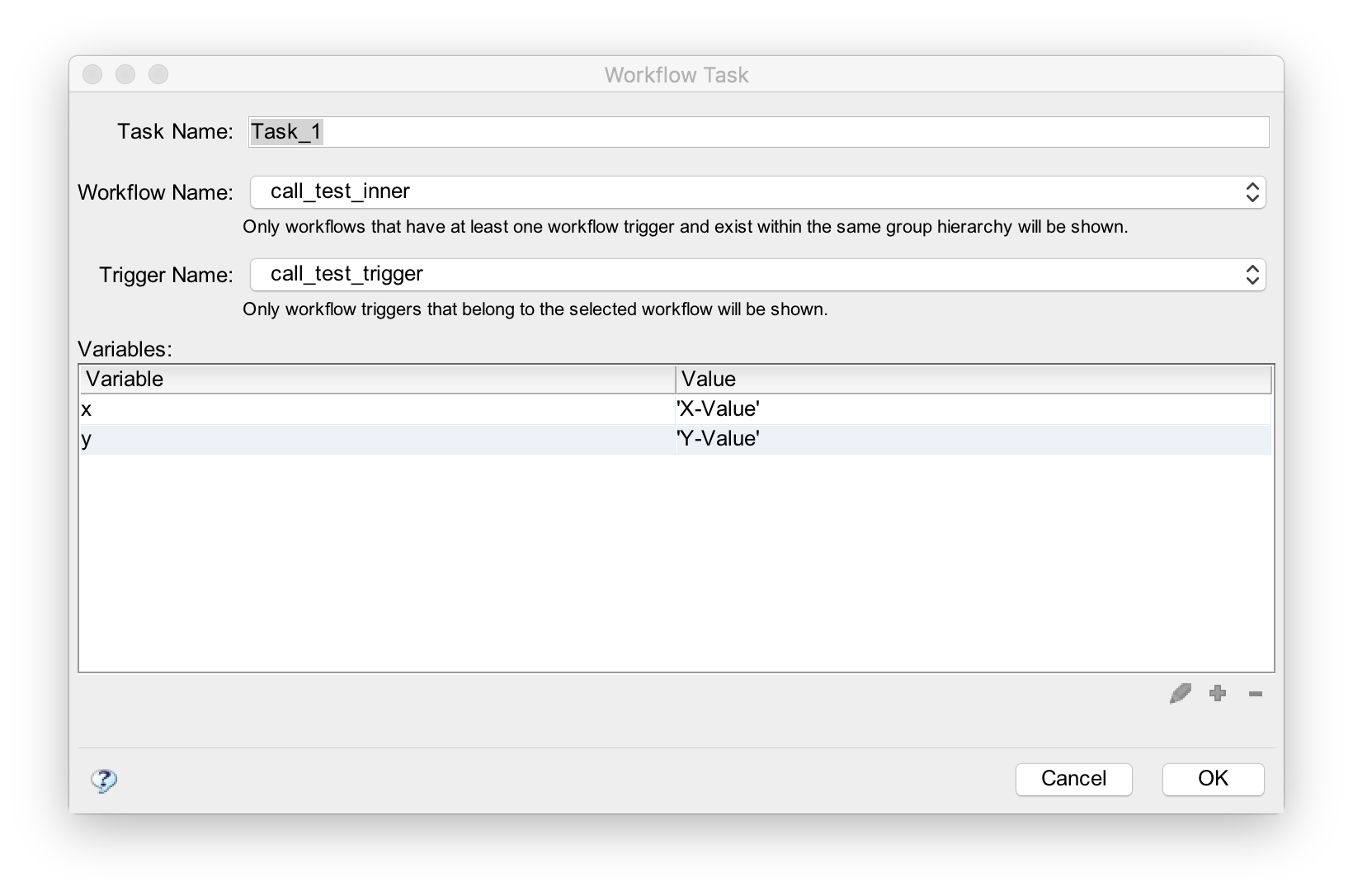
Workflow Name
A workflow must be specified. Only workflows that contain workflow triggers will be displayed in the "Workflow Name:" drop down box. (Note: the workflow task's configuration records the unique id of the workflow not its name. This way, the workflow can be renamed without breaking tasks that call it.)
Trigger Name
A workflow trigger must be chosen. The workflow triggers associated with the selected workflow will be displayed.
Parameters
Parameters are values passed to the workflow. A worklow trigger declares the variables that need to be passed. The parameter section allows these variables to be set.
The value passed must be a valid Javascript expression. Here are some examples of valid Javascript expressions.
| true | The boolean value 'true'. |
|---|---|
| false | The boolean value 'false'. |
| 123 | The number 123 |
| 'hi' | The string value 'hi'. Note: In Javascript you may use either single or double quotes. |
| a + b * c | The result of b times c + a. (Multiplication has higher precedence in Javascript) |
| (a + b) * c | The result of the sum of a and b times c. (parentheses group operator precedence) |
For more information on Javascript expressions, see Expressions and Operators
Strings and Quotes
Either single and double quotes can be used. You just have to use the SAME one. To learn more about quotes in Javascript, see
Handling text — strings in JavaScript.
Objects
Javascript objects may also be passed. When this is done, objects are passed by reference (not a copy) to the child task. Therefore, the child workflow sees the same object as the parent.