
Appearance
Action
The action trigger is used to start a workflow whenever an external action is taken either by UI Actions, MCP (Model Context Protocol), or via the RESTful API. Unlike manual triggers which require user interaction in the Situate UI, action triggers are designed for programmatic invocation by external systems and AI agents.
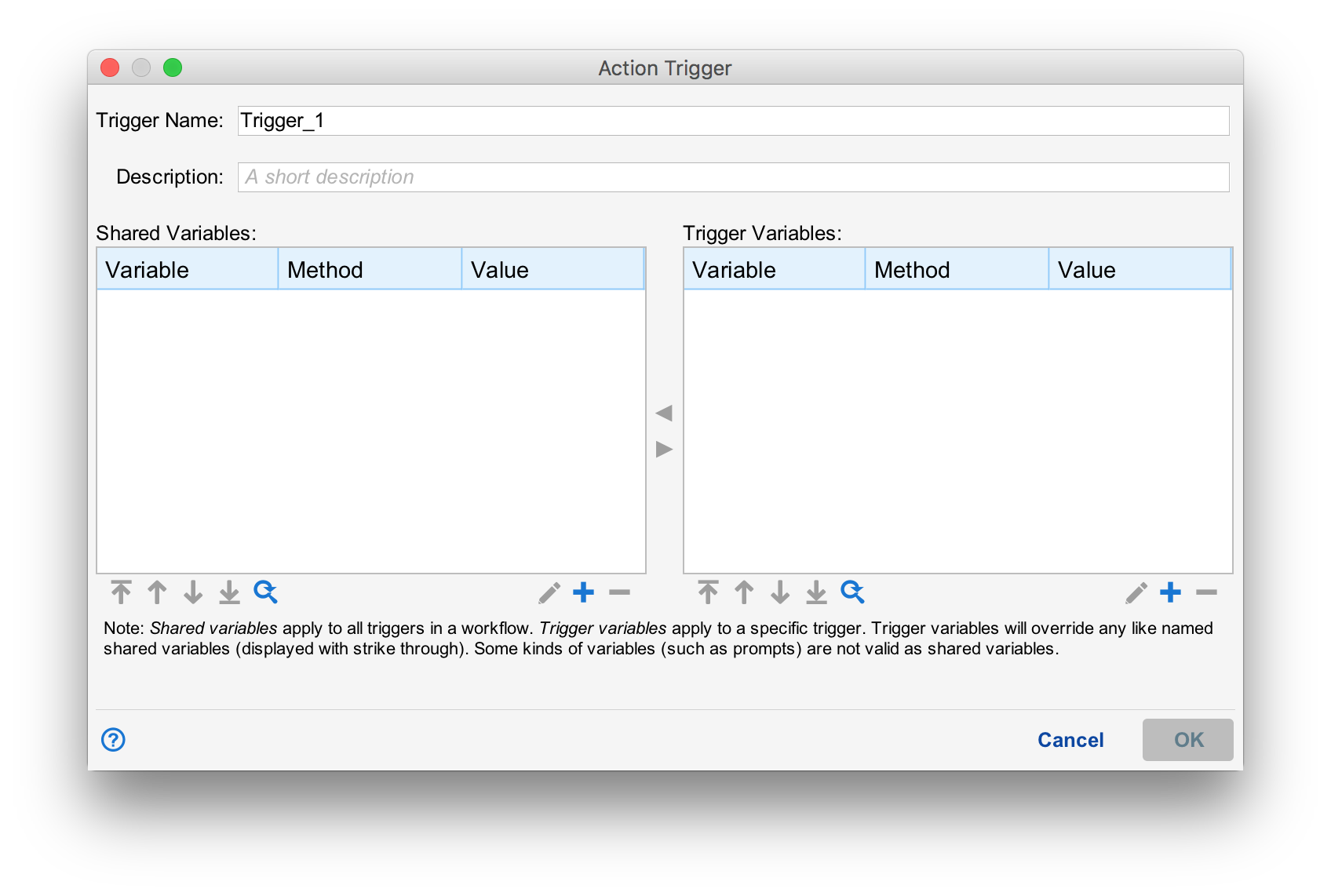
Like all triggers, the action trigger requires a name and description. Variables can be set just like any other trigger (See Passing Variables with Triggers).
Trigger Description
The description field explains when this trigger should be used. This is especially important when a workflow has multiple triggers with different purposes. For example:
- "Use this trigger for scheduled daily processing runs"
- "Use this trigger for on-demand reprocessing of a date range"
- "Use this trigger when rollback capability is required"
The trigger description is returned by the MCP list_triggers tool, helping AI agents select the appropriate trigger for their task.
Passing Parameters
Action triggers can define variables with the Parameter method. Unlike other variable methods (JS Expression, Prompt, etc.), Parameter variables receive their values from the external caller rather than being computed or prompted within Situate.
Defining Parameters
To define a parameter:
- Add a variable to the trigger's variable list
- Set the Method to "Parameter"
- Provide a Description explaining what value is expected (e.g., "Processing date in YYYY-MM-DD format")
The description field is returned by the MCP list_triggers tool, helping callers understand what values to provide.
Calling via MCP
AI agents can invoke action triggers using the MCP start_workflow tool:
json
{
  "workflowId": "m107f6fe-64e5-11e7-80cb-14109fe12bfb",
  "triggerName": "Trigger_1",
  "parameters": {
    "item1": "first_one",
    "item2": "second_one"
  }
}
For more information on MCP tools, see MCP Tools Reference.
Calling via REST
Parameters can also be passed via REST API in a JSON payload:
bash
curl -k -v -H "Content-Type: application/json" -X POST \
  https://localhost/situate/workflows/m107f6fe-64e5-11e7-80cb-14109fe12bfb?trigger=Trigger_1 \
  -d '{ "item1": "first_one", "item2": "second_one"}'
Missing Parameters
If a required parameter is not provided by the caller, the workflow will fail with an "undefined parameter" error that identifies the missing parameter name. This helps callers quickly identify and correct the issue.