
Appearance
Audit Logs
The Audit Log tab is opened by selecting the domain object (the top-most object) in the Object Browser, right-click and select "View Audit Log".
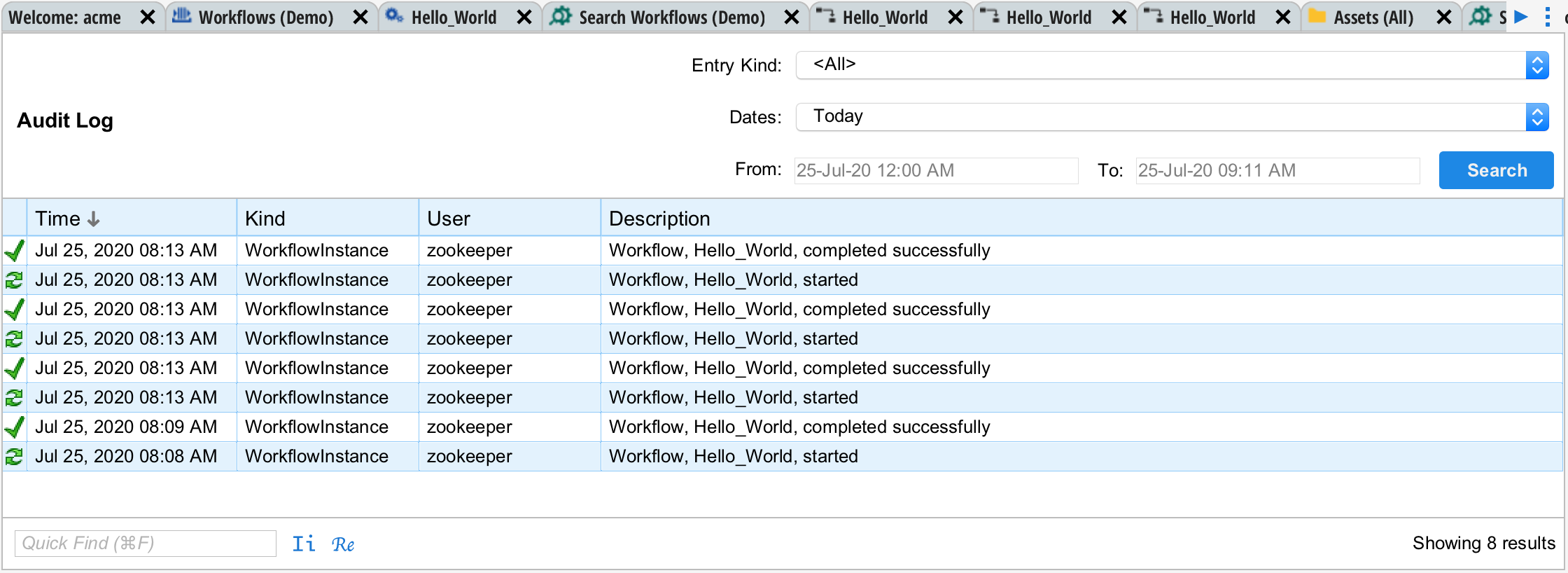
Everything that happens in Situate is recorded in the audit log. The Audit View allows you to query this log.
Entry Kind
You can select among the various kinds of records or select "all". The kinds of records are very much dependent on how Situate is installed and what features are turned on or off.
Dates
The dates drop down contains several common searches such as Today, Yesterday, etc. You can also pick custom dates.