
Appearance
Interact
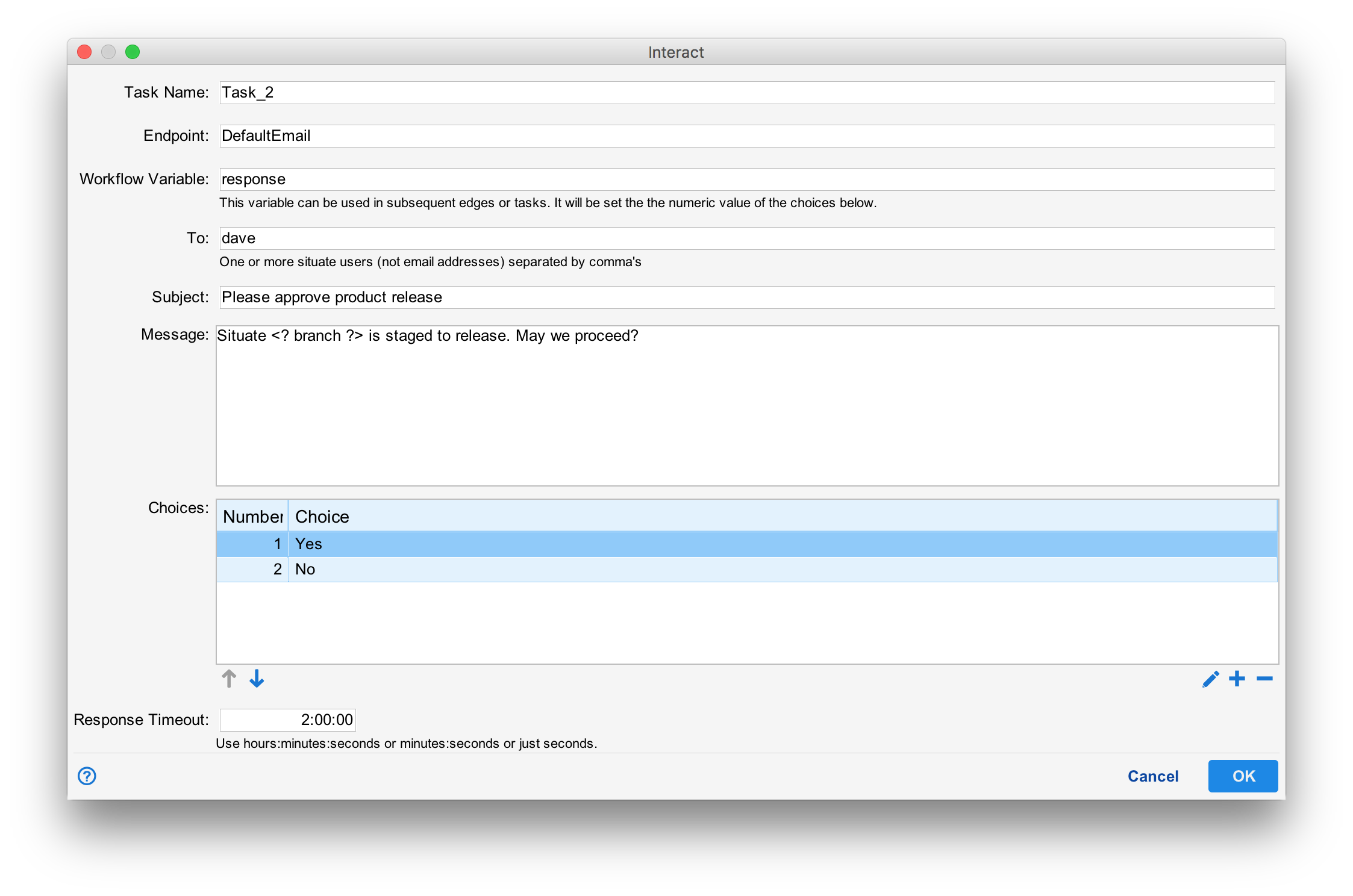
The interact task notifies one or more users that a workflow needs human intervention, then pauses. When a user replies to the interact task, the workflow continues based upon the user's reply.
Endpoint
The interact task uses email to notify one or more users. The mail endpoint to use needs to be specified.
To, Subject, and Message
These fields describe who should be notified. The "To" field takes a comma-separated list of Situate users (Not email addresses). The subject and message are used to construct the email message sent to the user.
Choices
One or more choices should be presented to the users. These are entered in the "Choices" box.
Acting on the user's reply
The variable specified in "Workflow Variable" is set to the integer value of the reply. This variable can leveraged in an expression edge or tasks encountered later in the workflow.