
Appearance
The Queue
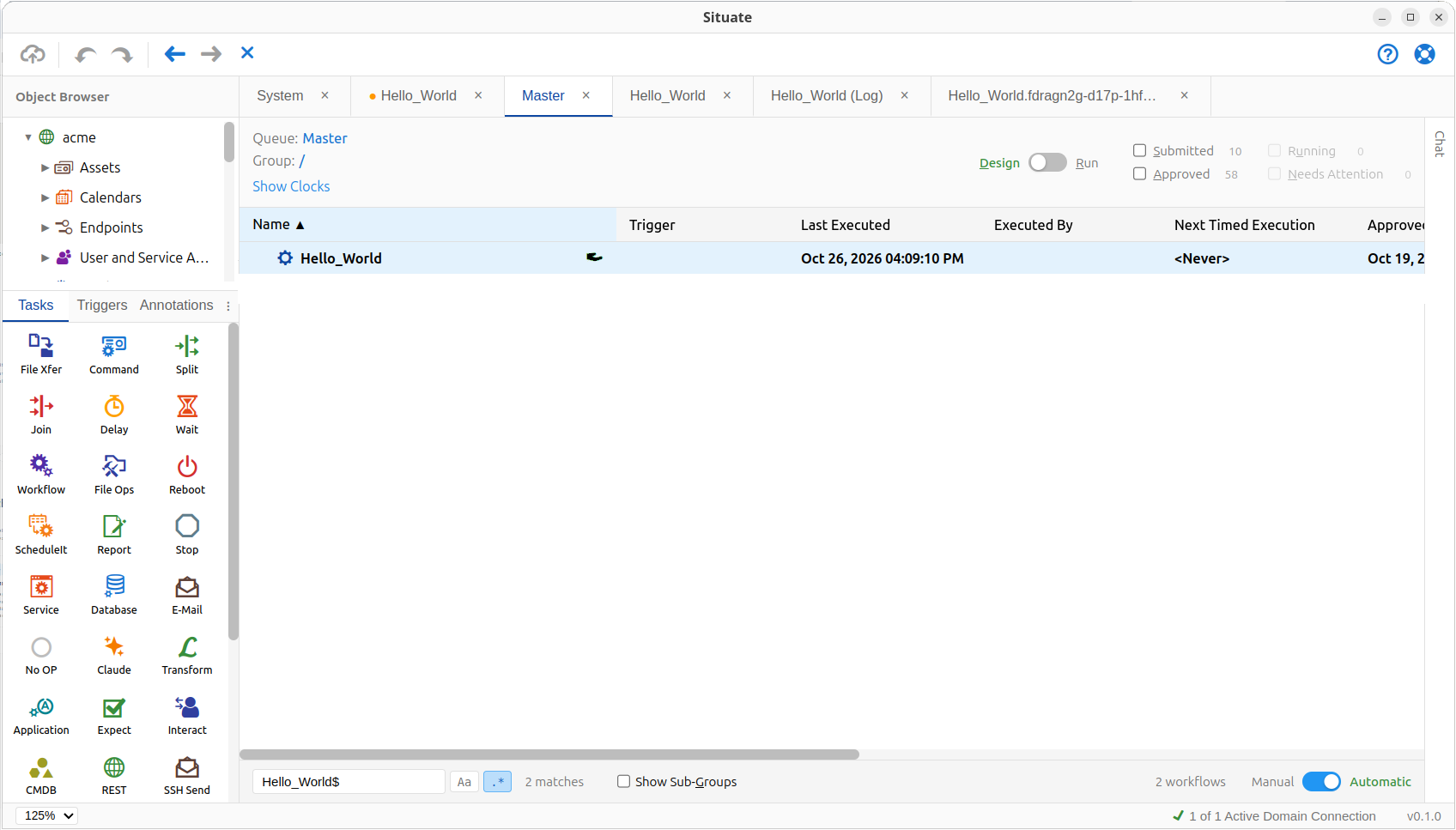
Open the workflow queue by double-clicking Master under Workflows in the Object Browser.
Approving Your Workflow
At the top of the queue there is a toggle to select Design or Run mode. Select Design. You should now see your Hello_World workflow with a hand icon (palm facing up). This means your workflow is submitted but not yet approved.
Right-click your workflow and select Approve. The hand goes away, showing that your workflow is approved.
Running Your Workflow
Move the toggle back to Run, right-click your workflow and select Execute.
Your workflow opens in a new tab. This is not the workflow designer anymore. It is a workflow instance: a running copy of your workflow.
You should see green check marks over the trigger and the task. That means they ran successfully. Click the check mark on Task_1, and its status opens below. Then click View Log to see the output of your command.
If you have any questions about your workflow, just ask the assistant in the chat panel. It knows all about it.