
Appearance
Manual Trigger
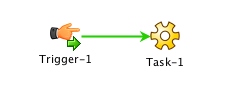
The manual trigger provides a starting point to a workflow that is initiated by a user. The diagram above shows a manual trigger that starts a very simple workflow to run a command task.
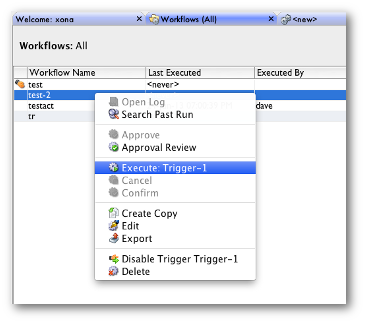
Workflow triggers are fired when a user right-clicks on the workflow from with the workflow queue and selects "Execute:" on whatever the trigger is named.
A sub-menu replaces the "Execute:" menu item when a workflow has more than one manual trigger.
Security
A user must posess "execute" permission on the workflow to be able to perform this operation.
Variables
All triggers can inject one or more variables as documented in "Triggers and Data Injection".