
Appearance
Converting Crontab Date Express to Situate Sub-schedules
Situate sub-schedules can be imported directly from Crontab date expressions.
Note: Situate is compliant with those systems that use the vixie cron implementation.
Converting Crontab Date Expressions
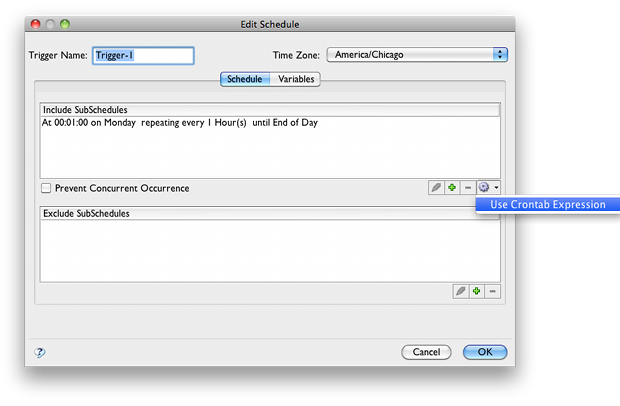
Importing a Crontab date expression is done through the sub-schedule editor, accessed by adding or editing a variable with the date builder expression method. To import a Crontab date expression as the value of the date expression, click the gear in the lower right, and select "Use Crontab Expression".
For more information about date builder expressions, see date builder expressions.
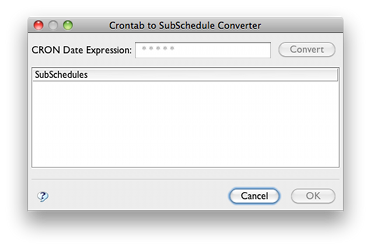
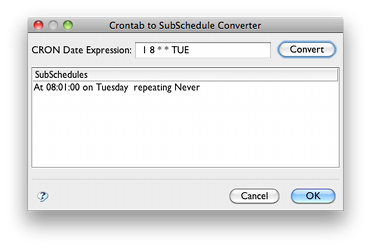
In the Crontab converter dialog, enter the Crontab expression. Do not include the command parameter. Once the expression is valid, click the "Convert" button and the Crontab expression will automatically generate a corresponding Situate sub-schedule entry.
Inconvertible Crontab Entries
Some Crontab date expressions have no direct Situate equivalent, and must be reconstructed manually with the Situate date builder. This often occurs with extremely complex or bloated expressions which are too intricate to be converted automatically.